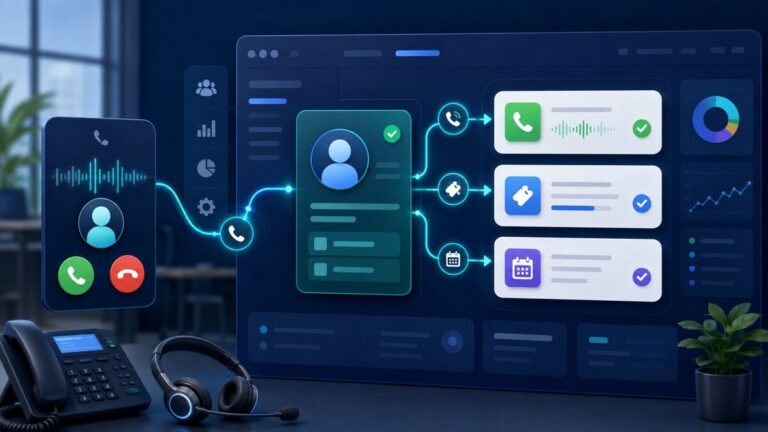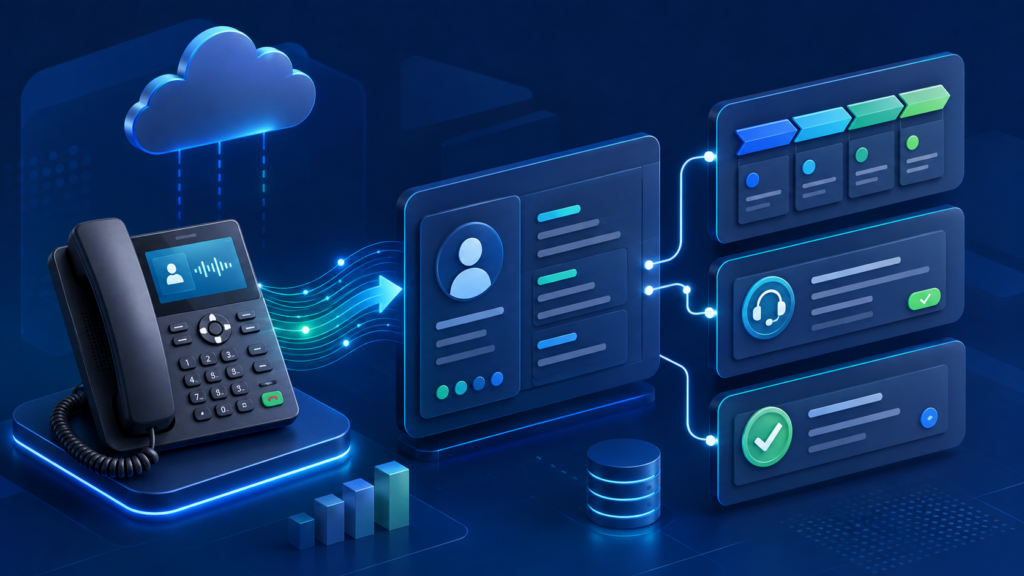
Your phone system and CRM should not operate as separate islands. When 3CX is connected to a CRM, sales and support teams can spend less time searching for records and more time helping customers.
What Does a 3CX CRM Integration Do?
The available functions depend on the CRM and configuration, but a typical integration can identify a caller, open the matching customer record, launch click-to-call and journal call activity. A custom workflow may also create follow-up tasks, tickets, notes or opportunities through approved APIs.
Benefits for US Sales Teams
- Faster response: Staff see useful customer context when the phone rings.
- Cleaner records: Call activity can be captured more consistently.
- Better follow-up: Missed calls and completed conversations can trigger defined next steps.
- Improved reporting: Managers can connect phone activity with sales and service outcomes.
Supported or Custom Integration?
3CX provides integration options for popular business systems including Salesforce, Zoho, Zendesk and others. If your platform is not supported, a custom integration may be possible using the 3CX API, CRM API or secure middleware.
Plan the Workflow Before Configuration
Decide what should happen for inbound, outbound, answered and missed calls. Confirm which phone-number format the CRM stores, who can view customer data, when new contacts should be created and what information should be written to the timeline.
Allsmartone specializes in 3CX and CRM integration, including HubSpot, Zoho CRM, Salesforce and custom business applications. We can review your call flow and design an integration that matches the way your team actually works.