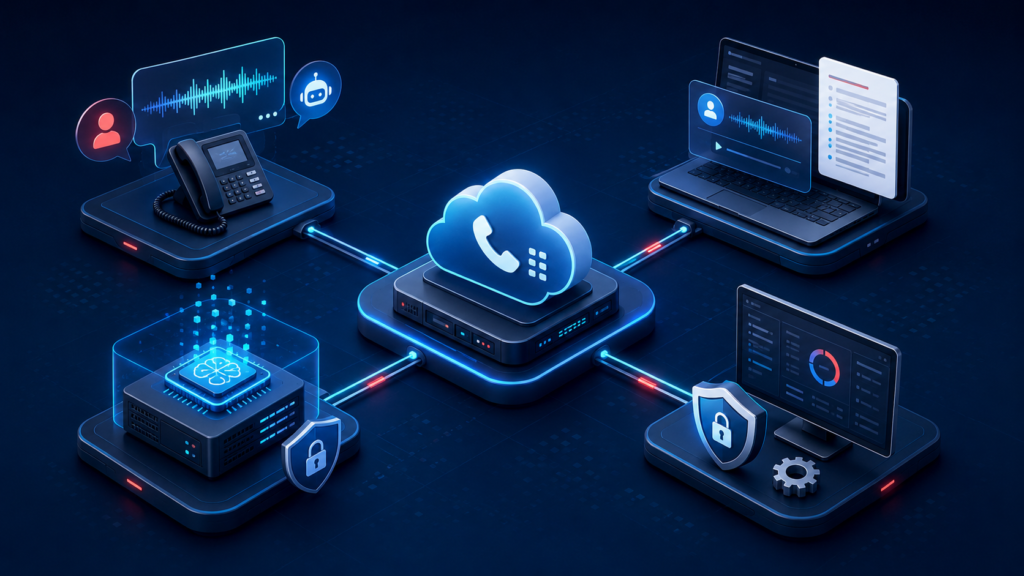
AI is quickly becoming part of everyday business communications. For US companies using 3CX, the opportunity is not limited to answering calls with a robot. 3CX V20 can use AI during conversations, after calls, inside your own infrastructure and for approved PBX management tasks.
1. Transcribe and Summarize Completed Calls
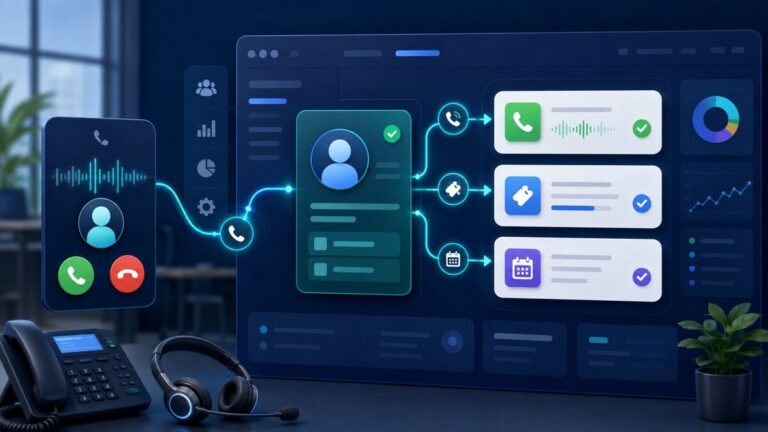
Sales and support managers do not have time to replay every recording. AI transcription can turn recorded calls into searchable text, create short summaries and highlight sentiment or action items. This helps teams review customer conversations faster and follow up more consistently.
2. Use AI During Live Calls
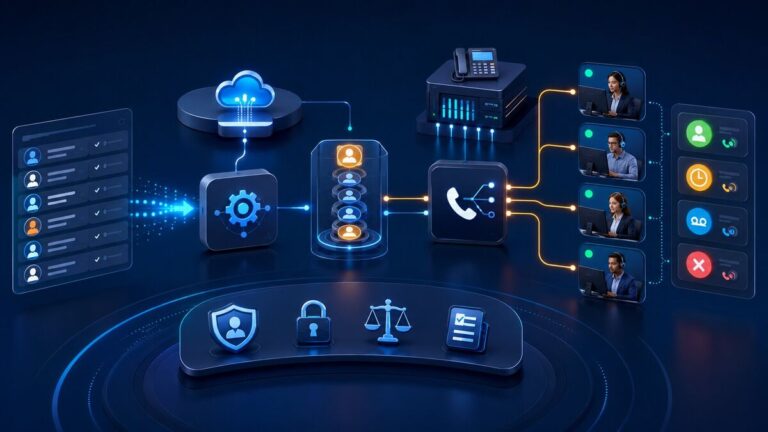
AI agents can answer common questions, collect caller details, identify the purpose of a call and route the caller to the correct person or queue. A carefully designed human handoff keeps the experience practical when the request is urgent, sensitive or too complex for automation.
3. Keep AI Processing Under Your Control
Organizations with stricter privacy or internal-data requirements can consider the 3CX AI Server. It can run on-premise or in the organization’s own cloud environment, allowing transcription-related processing to remain under company control.
4. Connect AI Tools to the PBX
3CX V20 Update 10 introduces MCP capabilities that can allow supported AI tools to request reports, check live call status or perform permitted actions according to the connected user’s role. Update 10 is currently for testing, so businesses should evaluate it outside production.
Start With One Clear Business Outcome
The best first project is usually simple: reduce missed calls, improve follow-up, shorten call-review time or automate one repetitive enquiry. Allsmartone can assess your current PBX and create a phased 3CX AI implementation plan for your US business.